












Pastoral Care Software to Strengthen Connections
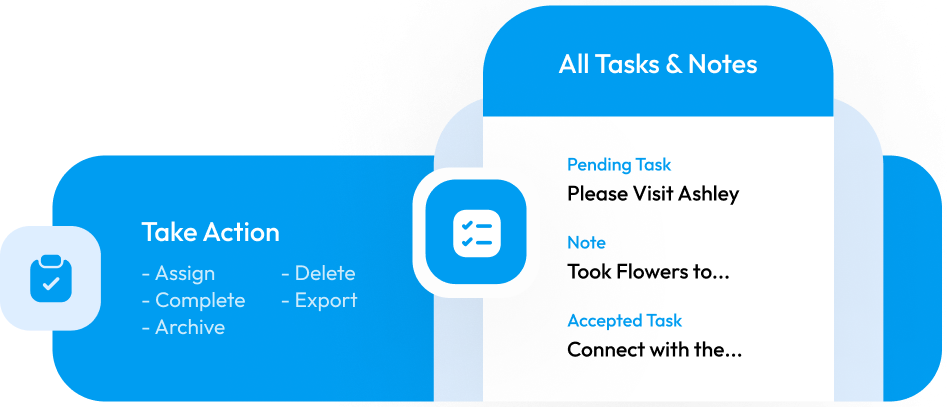
Care for every member with ease using TouchPoint’s powerful pastoral care software tools. Tasks & Notes helps your staff and volunteers track ministry follow-ups, record important conversations, and organize pastoral touchpoints, so no one slips through the cracks.
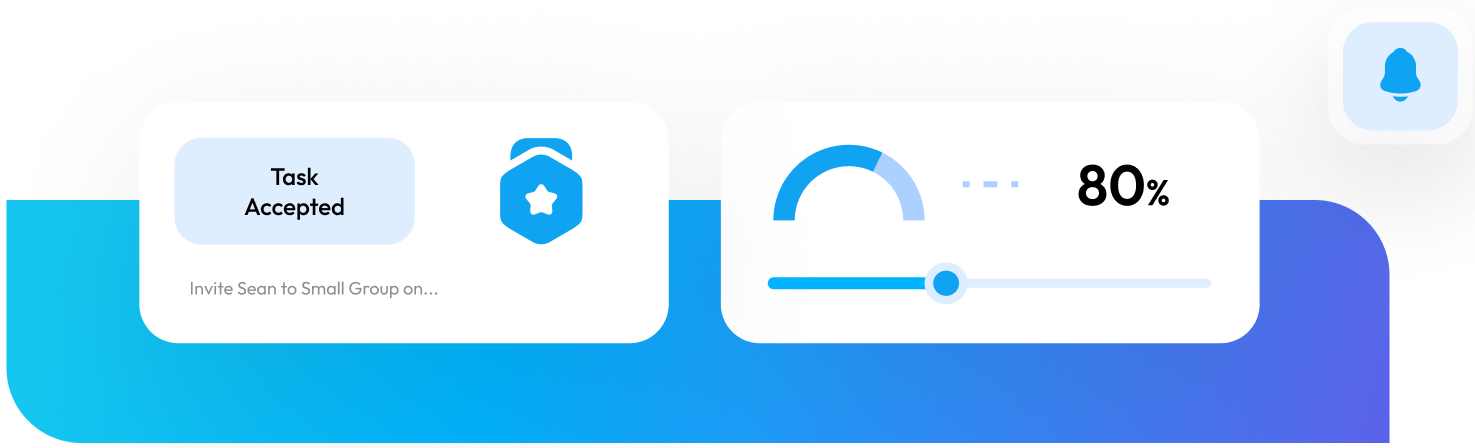
Record Ministry Connections Inside Of TouchPoint

1. Create Tasks
Assign pastors, ministry leaders, and lay leaders with Tasks to reach out to churchgoers as needed. For example, Assign John the Task of checking on Robert and family since they have missed church for two weeks.

2. Complete Tasks
Example: John had coffee with Robert and learned that his mother has fallen ill. The family travels out of town to visit her on the weekends. John updates the Task with the notes from his meeting and schedules a follow-up Task to continue checking on the family.

3. Report On Activity
…or lack thereof. TouchPoint’s pastoral care software allows you to report on ministry areas with complete or incomplete Tasks, so you can give thanks where needed and hone in on areas that need attention.
Ministry On The Go
We know that many of these conversations happen away from your computer. Tasks & Notes are available at your fingertips in your powerful Church Mobile App!
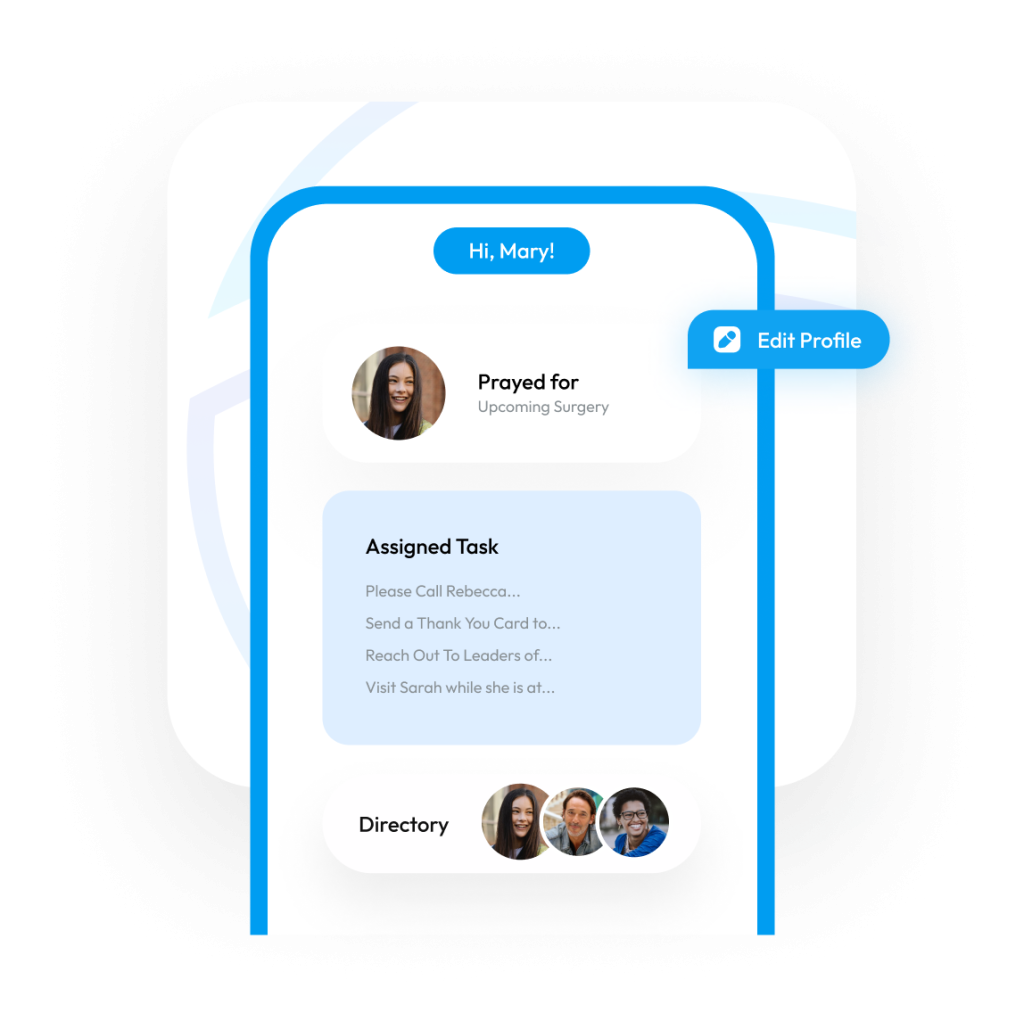
Tasks & Notes
Keywords
The Power of Keywords
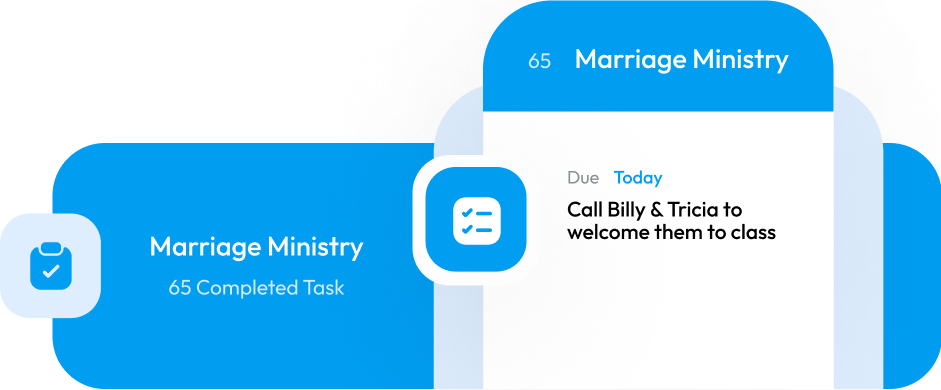
Create unique keywords to associate with the Task or Note, and report on all ministry touches with the same keyword. Some of your keywords might be Hospitality, Marriage Ministry, Family Ministry, or Bereavement. Additionally, keywords can have custom questions added to collect additional information that is specific to the topic of the Task or Note. Use this to make sure you collect all the necessary details.
Roles
Keep Sensitive Information Private
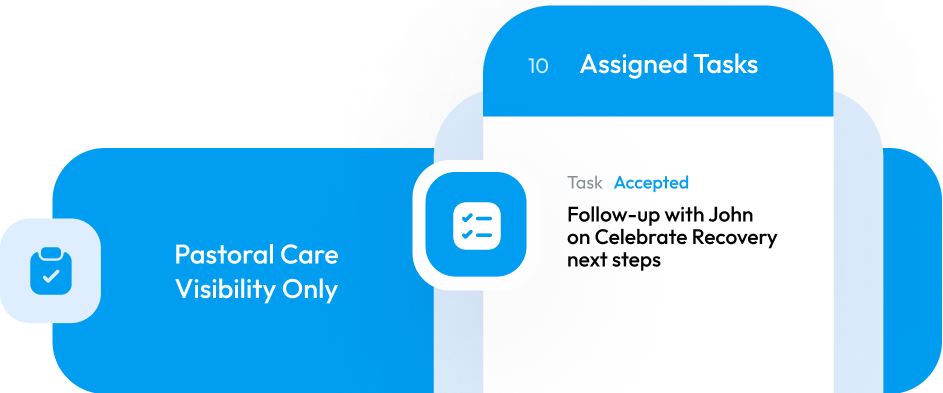
Restrict Tasks or Notes that are sensitive in nature to only those with a specific TouchPoint role, such as the Pastoral Care team.
Personalization
Information Where You Need It
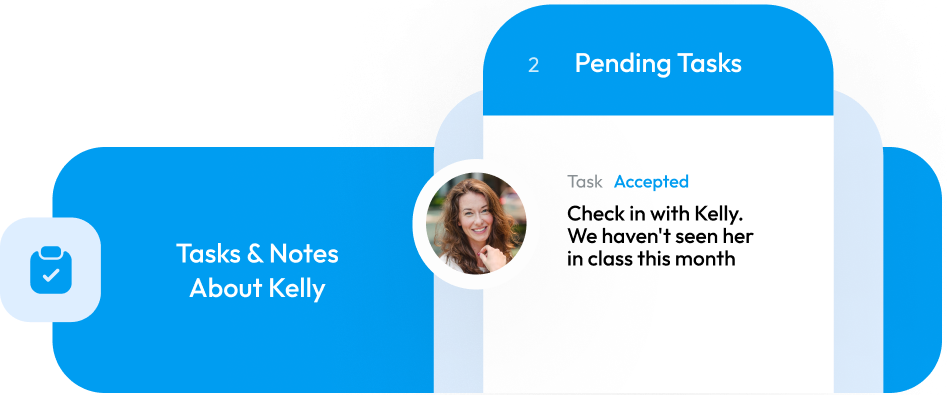
Find all Tasks & Notes related to a person in your church database software. All necessary information lives right each person’s people record. Easily identify unresolved ministry opportunities or catch up on the latest goings on with your churchgoers.
Search & Management
Robust Search & Management
Every Task or Note created is centrally located in an easy-to-use search and manage page. Search, sort, or filter to narrow down your results in a flash.
Notifications
Notifications Made Easy
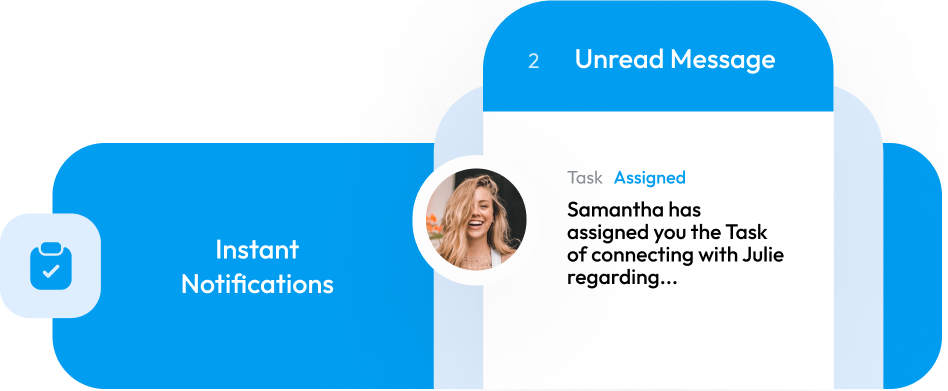
TouchPoint’s pastoral care software automatically sends emails with Task creation and status changes, so you don’t have to worry about notifying an individual about an assignment.
Automate Assignments
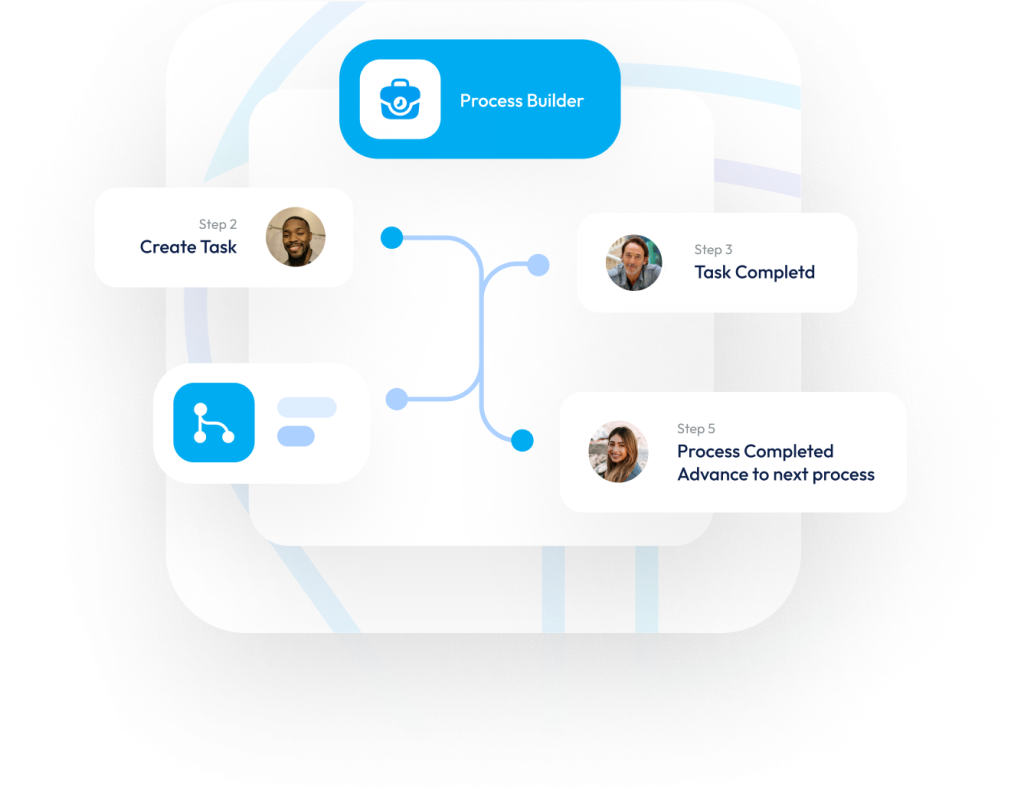
Take your Touchpoints to the next level by incorporating Tasks & Notes with Process Builder, our church workflow automation tool.
Schedule A Demo
Discover How TouchPoint’s Pastoral Care Software Tools Can Transform Your Ministry Today.
Frequently Asked Questions
Yes. Tasks & Notes is fully connected to Process Builder, so when a certain condition is met (e.g., a guest hasn’t attended in 3 weeks), a Task can be generated automatically and assigned to the appropriate leader.
Yes. Your ministry team can use your church mobile app to view, accept, complete Tasks, and add Notes on-the-go, making sure care is responsive and timely.
You can restrict visibility by role—so only specific users (like the pastoral care team) see sensitive Tasks or Notes. This ensures confidentiality and appropriate access.
Tasks & Notes are part of the wider TouchPoint Church Management System, meaning the care interactions tie back into the person’s record, giving you a single source of truth for attendance, giving, serving, and care touch-points.
Churches that have multiple ministries, are managing growth, or who want to ensure follow-up and connection beyond Sunday services will find this feature especially valuable. If your church uses multiple disconnected tools for care tracking, this can bring everything under one roof.
Schedule a free demo with our team, where we’ll walk you through how Tasks & Notes are set up, how they work within our entire ecosystem from database to mobile app, and how you can use the feature to strengthen your church’s care culture.