





















Advanced Church Check-In Software
for Growing Ministries
TouchPoint’s premier church check-in system gives growing churches everything they need to run check-in at a higher level—unmatched security for children’s check-in and family workflows, mobile pre-check-in, live classroom and attendance visibility, capacity control, and full ChMS integration.

A Better Church Check-In System
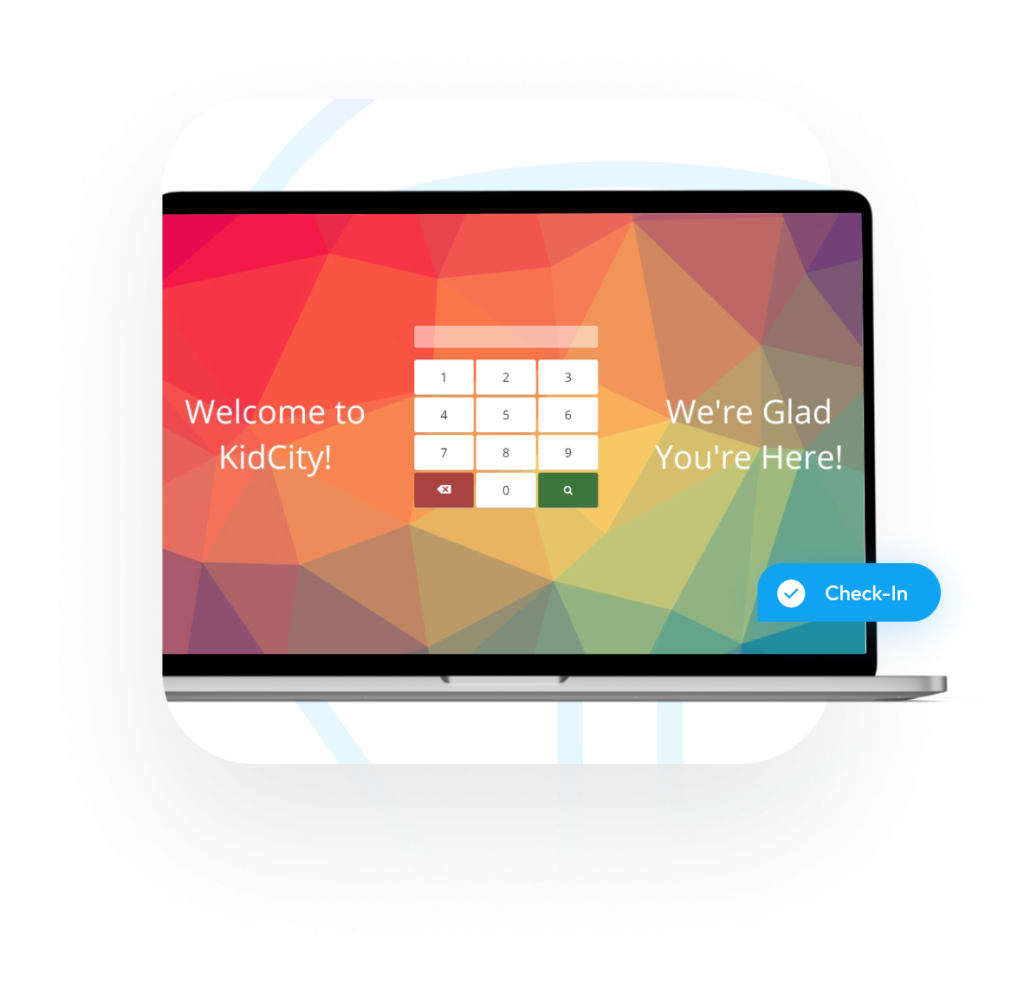
TouchPoint’s premier church check-in software offers 10+ methods of recording attendance across classes, events, and ministries. With flexible check-in for both members and guests, live record updates, class preview before enrollment, and custom experiences by campus, ministry, or event, it gives growing churches a system they can build on long term.
- Premium Security Features
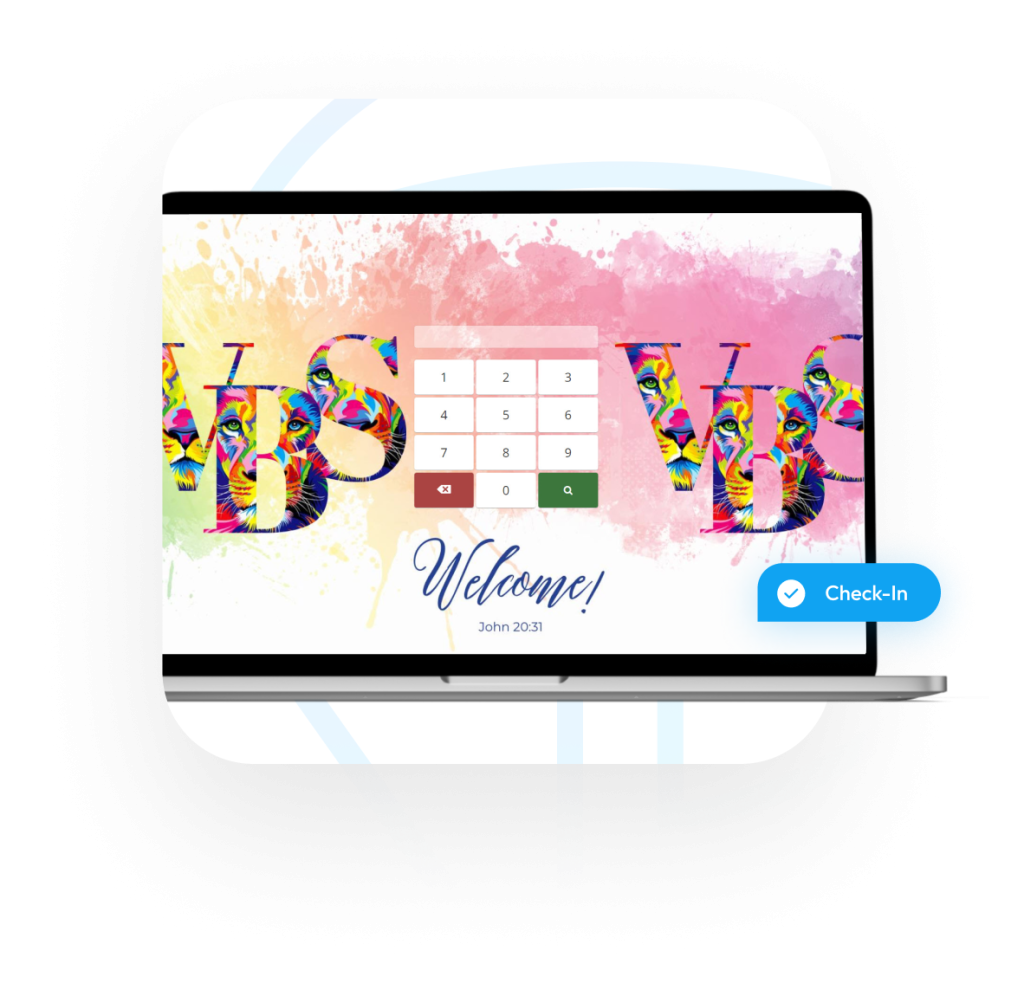
- QR Code Scanning or Phone Number Input
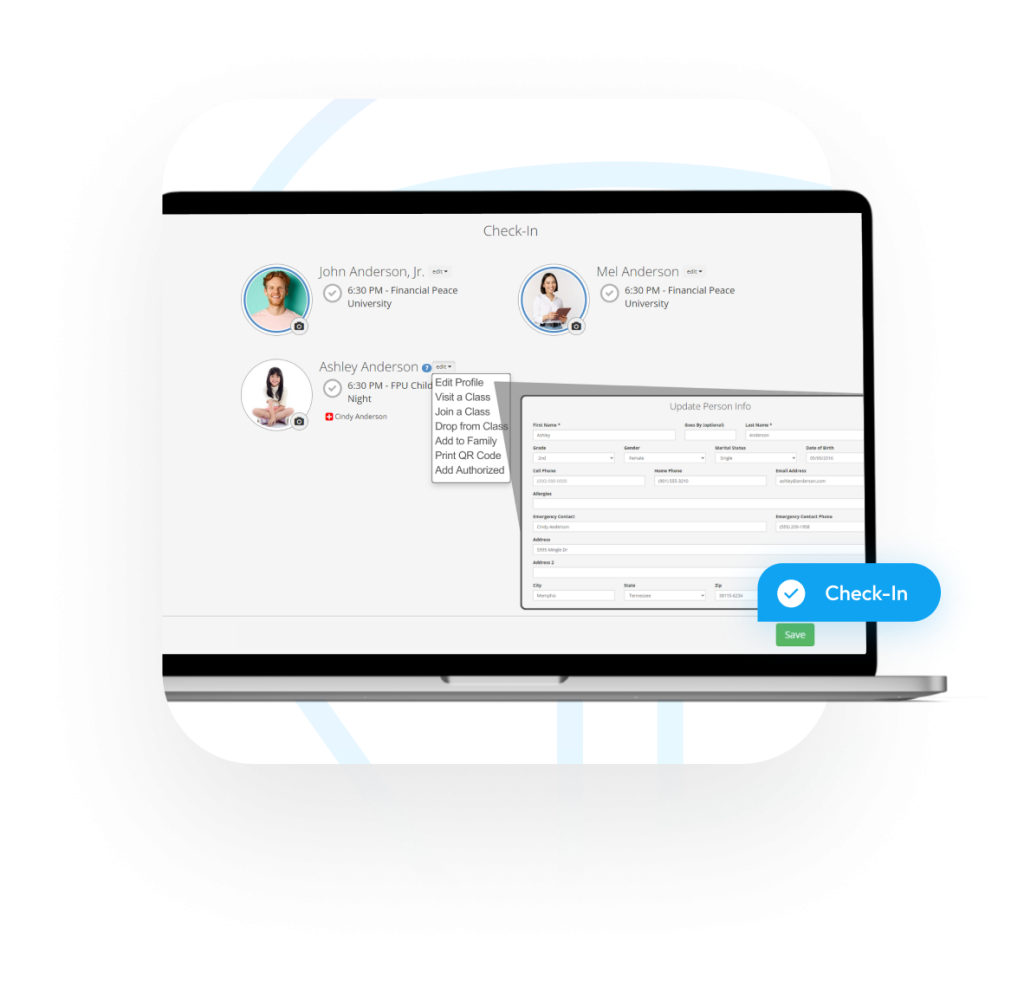
- Update Records On The Fly
- Visit Classes Prior To Enrolling
- Add Entire Families At Once
- Customize Background Images Per Event, Ministry, Campus, etc.
Check-In Dashboard
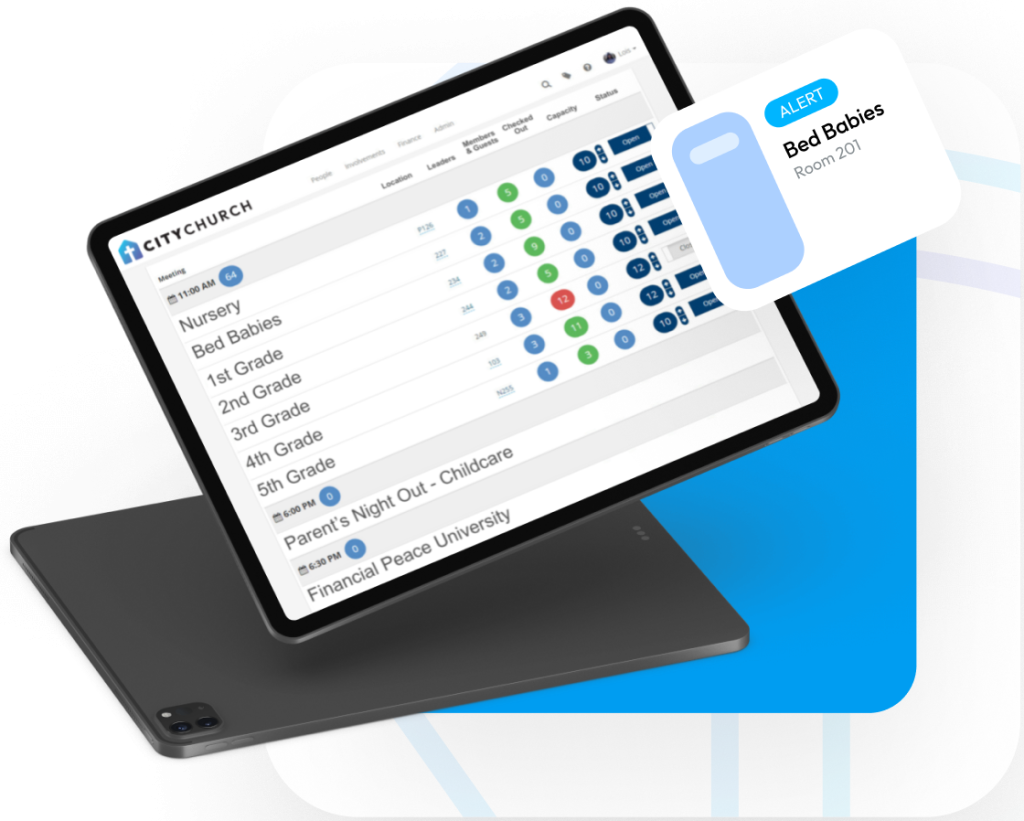
The Check-In Dashboard gives us live reporting for the classes utilizing the church check-in software. Your ministry leaders will have an in-hand, live snapshot of what’s going on in their area. With real-time alerts, they get notified immediately if a room leader needs assistance. Additionally, the ministry leader can set capacities and open/close classes as needed.
Classroom Dashboard
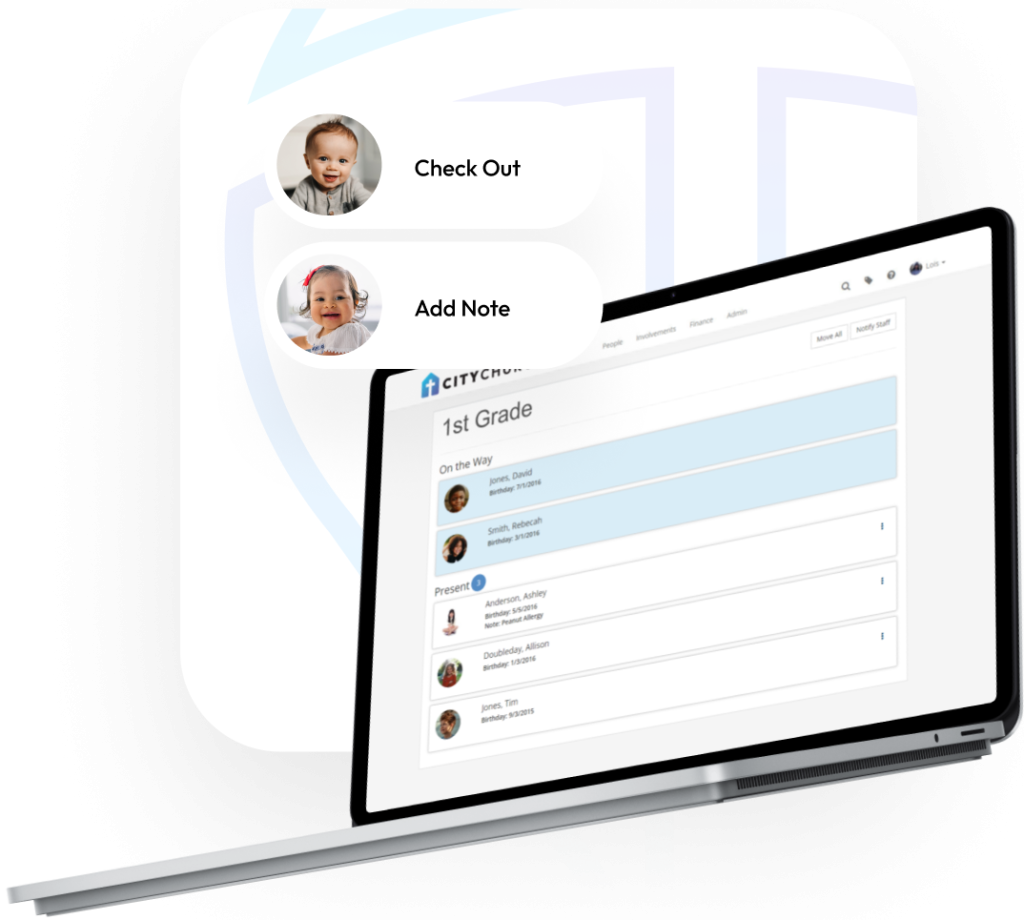
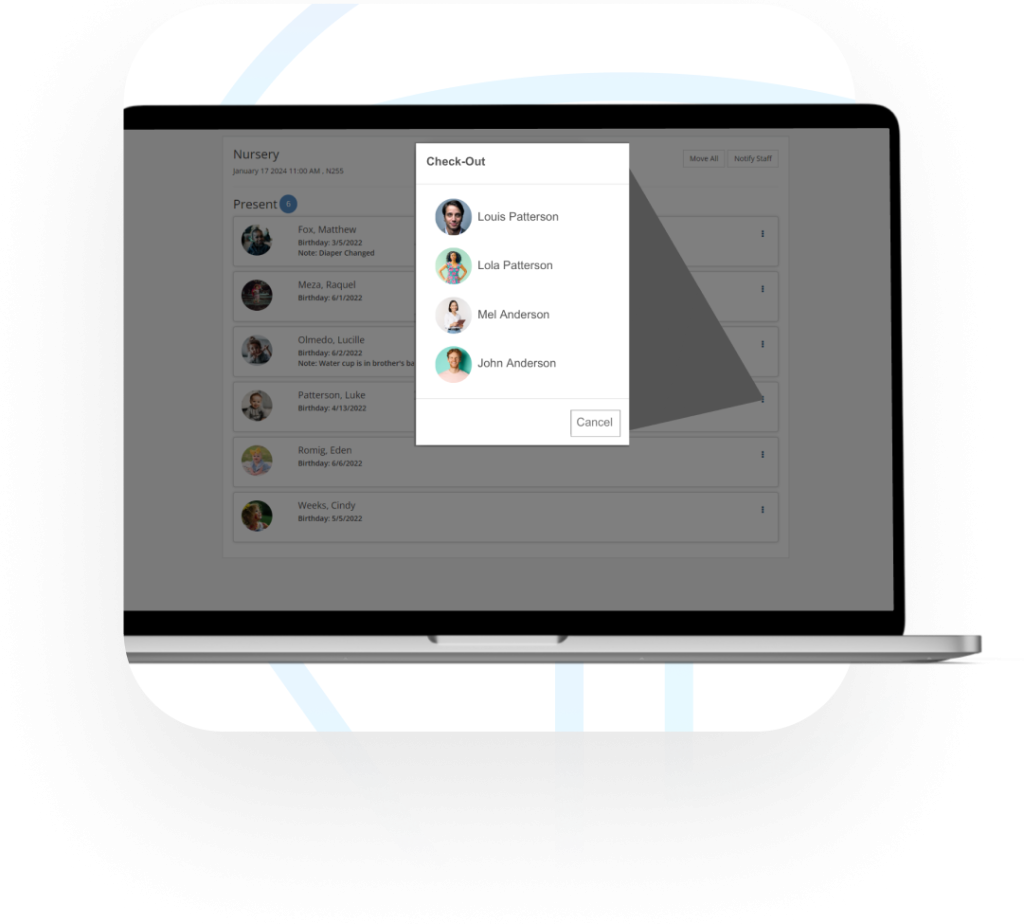
The Classroom Dashboard is a real-time snapshot of anyone that has checked into a meeting. It allows the leader of the meeting to view helpful information about each child that is present and take action, such as check them out, add notes, contact the parents, view allergy information, and move to another class if two need to merge. Say goodbye to paper rollsheets and hello to this live report of who’s in your classrooms at any given time.
Pre Check-In
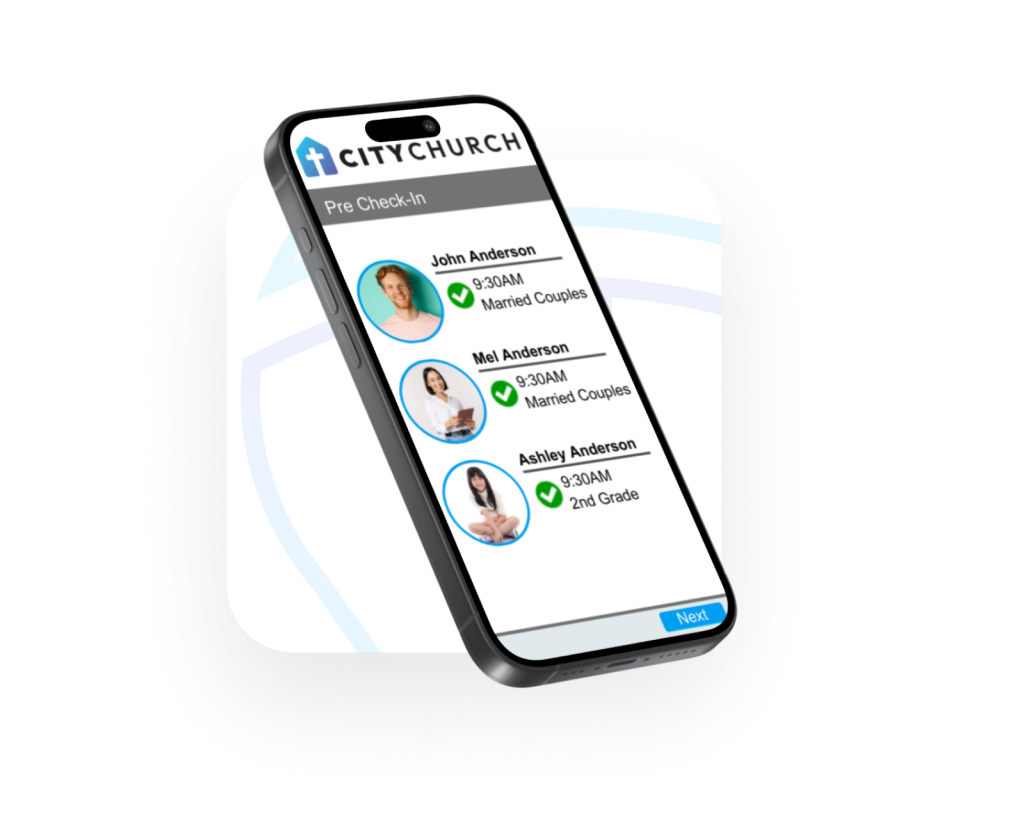
Pre Check-In is a convenient, two-step, contactless feature that can save time and hassle for church members. It is also a valuable tool for churches that want to improve efficiency and reduce costs.
Pre Check-In allows churchgoers to check in their family in advance (of a service, class, or event) using the church’s mobile app. By checking in in advance, members can save time when they arrive at the church, as they will not have to wait in line at a Check-In kiosk.
Pre Check-In can help to reduce the number of Check-In kiosks that are needed at the church, as fewer people will need to check in at the last minute. This can free up space in the church for other activities.
Check-Out
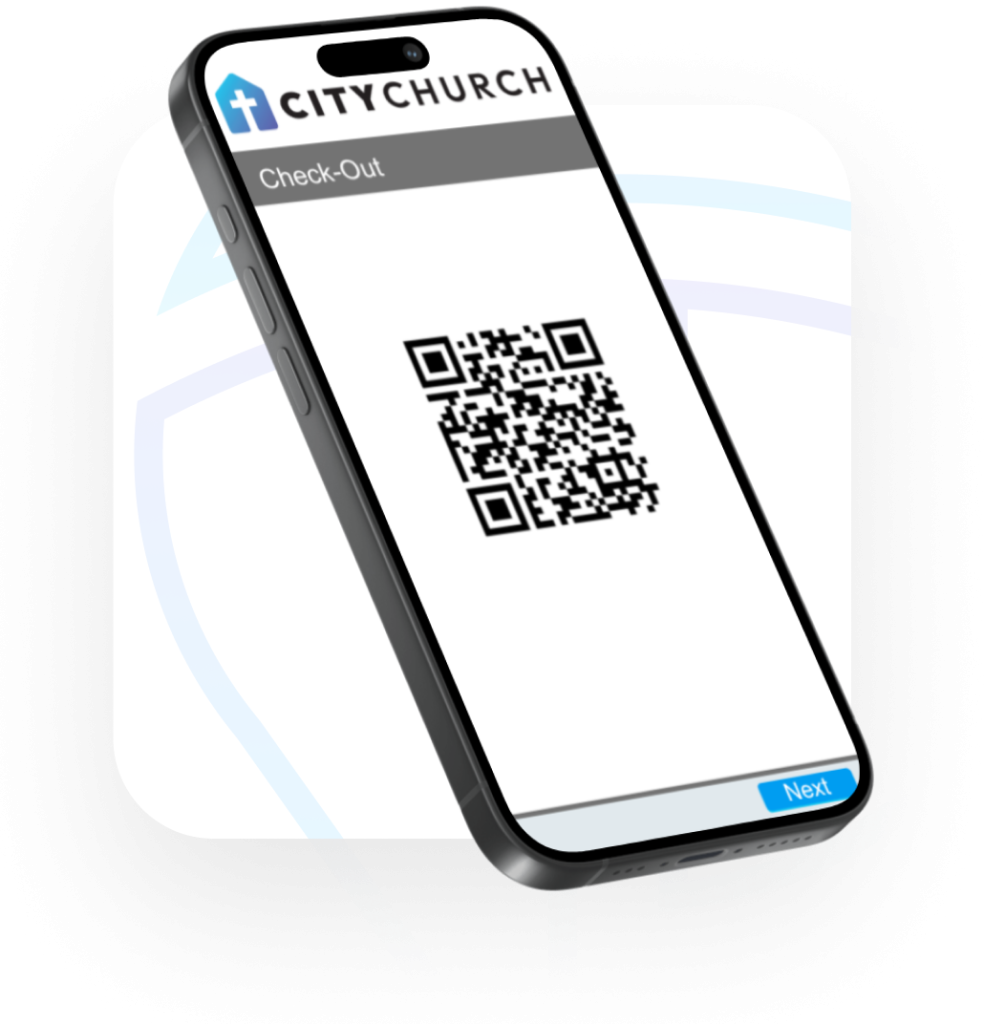
This features adds a layer of security that allows churches to keep track of children as they are checked out of their class. Someone may be checked out with a security code, QR code, or via the teacher’s Classroom Dashboard. Only authorized people can check students out of classrooms, so churches and children’s ministry leaders can be confident that their children are safe.
Building Check-In
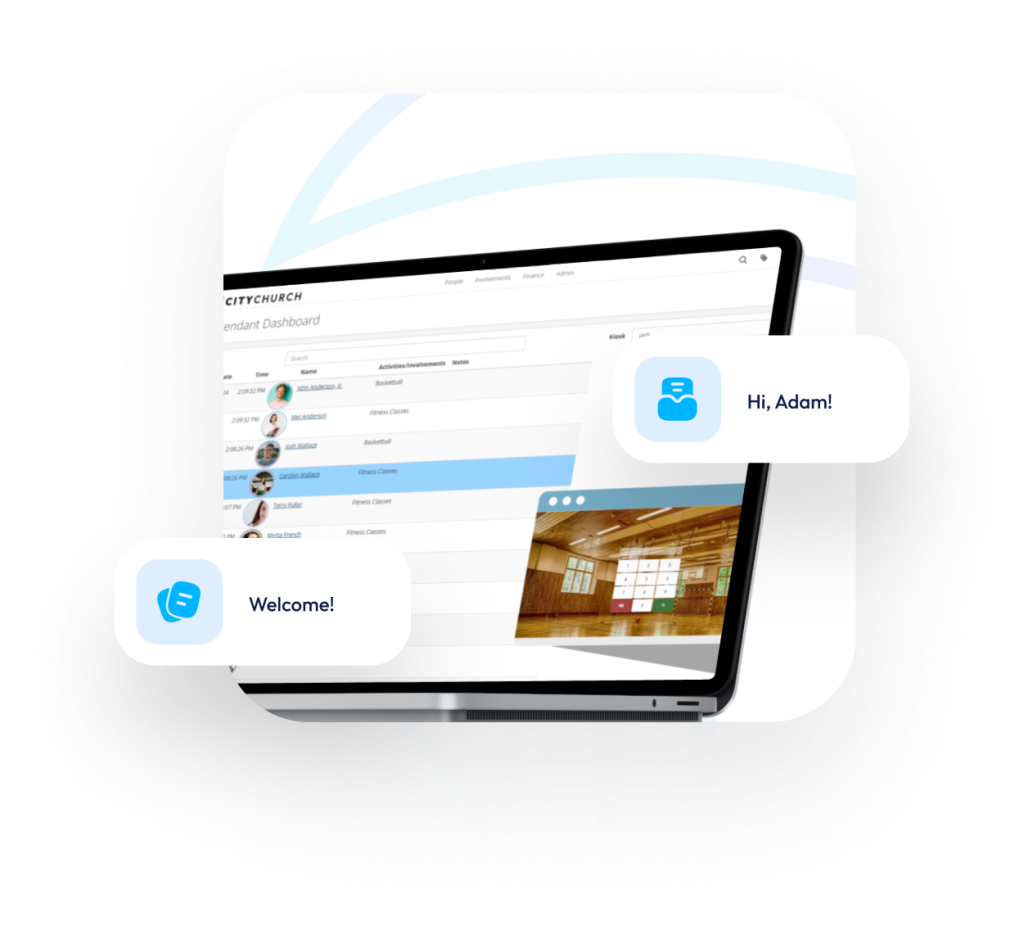
Building Check-In is used to monitor and control who enters a building. It is designed for use in activity areas and gyms and can be customized to fit the specific needs of each church.
For example, a church could use Building Check-In to require that all members and Life Group participants be 14 years old or older, and that children under 14 be accompanied by an adult.
An attendant can use a separate screen to monitor and be notified in real time as people check in to the building.
How Broadmoor Baptist Made Church Check-In Central To Their Culture
Broadmoor Baptist Church transformed their Sunday experience with TouchPoint’s church check-in system. By casting a vision to “know and be known,” they created a culture where checking in isn’t just a task—it’s a key part of fostering community, making strategic ministry decisions, and ensuring every attendee feels seen.
Request A Free Demo
Discover How TouchPoint’s Church Check-In Software Can Transform Your Ministry Today.
Church Check-In Software System FAQs
Church check-in software helps manage attendance, safety, and class/event entry by replacing paper sign-in lists with a digital system — ensuring accuracy, security, and better data for follow-up and discipleship.
TouchPoint offers a “Pre Check-In” feature: families can pre-check in via the church mobile app before arriving on campus. This reduces wait times at kiosks, speeds up Sunday morning flow, and helps more efficiently manage check-in stations.
Your church can use kiosks, tablets, computers, or mobile devices. TouchPoint’s church Check-in system is flexible and usually does not require churches to get new hardware. Please book a demo to confirm specific use cases.
TouchPoint provides multiple methods for check-out to maintain security: after a class or event, authorized adults can check-out children using a security code, QR code, or via the teacher’s Classroom Dashboard. This helps ensure children are only released to approved guardians, and accurate headcounts are maintained.
- The Check-In Dashboard gives real-time attendance reporting for all check-in sessions, showing how many people are checked in per class/service and comparing that against room capacity. Useful for tracking flow and avoiding overcrowding.
- The Classroom Dashboard gives class-level visibility — who’s in the room, allergy/medical notes, ability to check-out a child, contact guardians, or move attendees between rooms in real time. Great for safety and clarity during services or events.
Yes. TouchPoint offers a Building Check-In mode for gyms, activity centers, or event spaces. You can define rules (age, group membership, guest limits) for those who can check in, monitor entries in real time, and track building usage — useful for events, open gyms, or ministry gatherings.
The church Check-in system (expect Building Check-In) flows into the TouchPoint database. Attendance, engagement, and demographic data become part of each person’s record. That creates a “single source of truth” for ministry, follow-up, reporting, and discipleship efforts.
Yes. With the Check-In Dashboard, you can set capacity limits per class or involvement schedule. The dashboard will show real-time counts of who is checked in — when capacity is reached, classes can be closed automatically or manually to prevent overload.
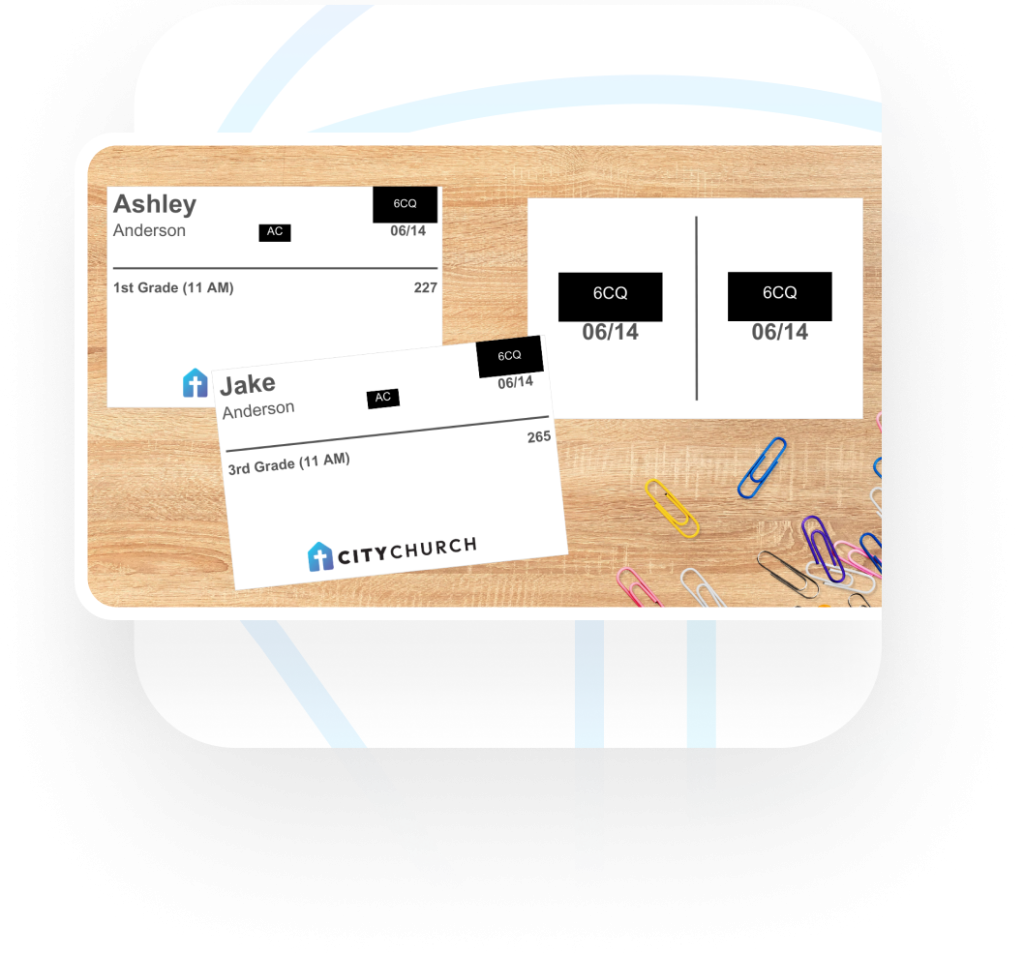
When a child is checked in, the system prints a security label (with code or identifier) for both the child and their guardian. Only adults with the matching code or label can check children out — reducing risk and giving parents peace of mind.
You can schedule a demo with our team — we’ll walk you through every aspect: pre-check, kiosk setup, dashboards, building check-in, security features, and integration within TouchPoint’s full church management system.
TouchPoint’s church check-in system is included as part of TouchPoint’s all-in-one church management system. No additional costs or usage limits. Easy, secure check-in fully integrated into TouchPoint Church Management Software.