





















01
First Touchpoint
Know Who’s New
Every guest who shares their information gets a record your whole team can see, with their family connected.

Bring guest information, automated follow-up, and ministry connections together in TouchPoint. Give your team a clear next step and carry each person’s story from their first visit into the life of your church.

Know who’s new, follow through personally, and connect guests with people who can help them belong. TouchPoint keeps each step connected so your team can build on the last conversation.
First Touchpoint
Every guest who shares their information gets a record your whole team can see, with their family connected.
Personal Follow-Up
Each guest is assigned to a real person, and the task stays open until the conversation is recorded.
The Return Visit
First, second, and third-time attender reports help your team recognize a return and respond differently each time.
The Next Step
Connect guests to a group, class, or serving team, with their story passed along so no one starts over.
Ongoing Connection
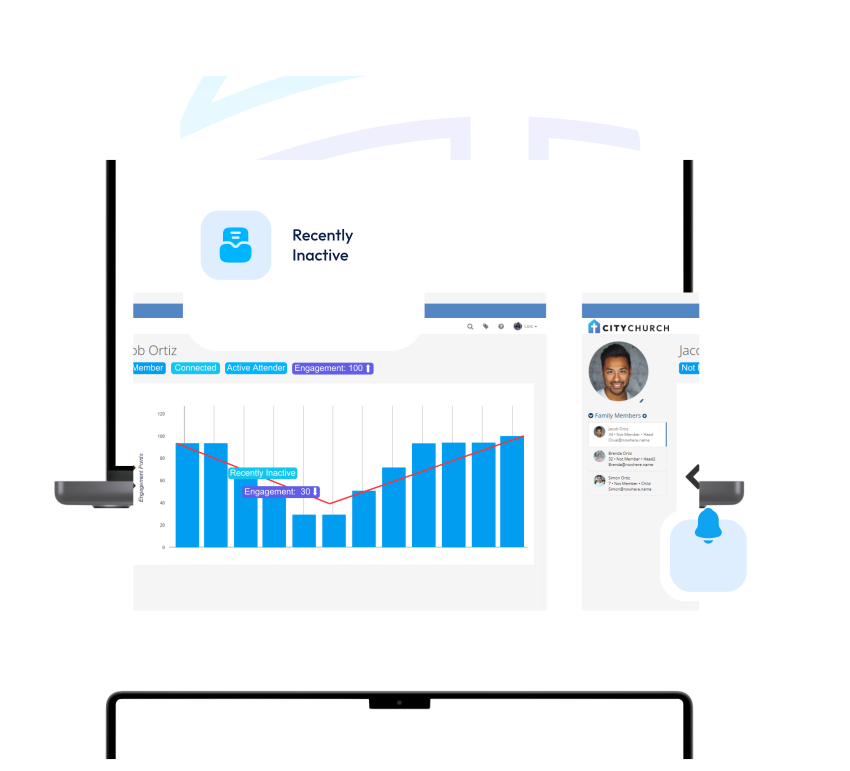
Weekly engagement scores flag changes, so your team can reach out before someone slips away.
Sunday’s conversations deserve a place in Monday’s plans.
With Process Builder, shape follow-up around your church’s ministry approach. Configure stages, automate routine tasks, and trigger messages at the right points while giving leaders visibility into each person’s progress.
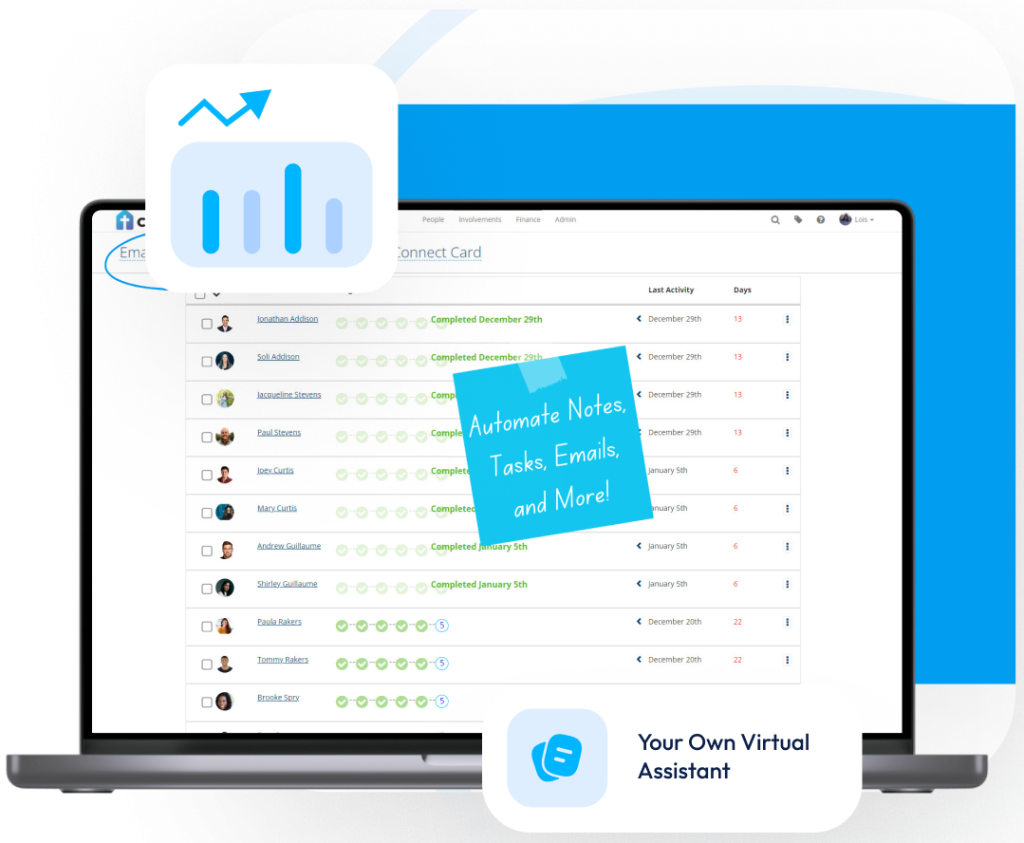
A recent move. A question about baptism. A request for prayer. Give the next conversation a thoughtful starting point.
TouchPoint keeps Tasks & Notes with each person’s record. Customize the questions your team captures, update notes from the mobile app, and restrict sensitive information to the appropriate roles.
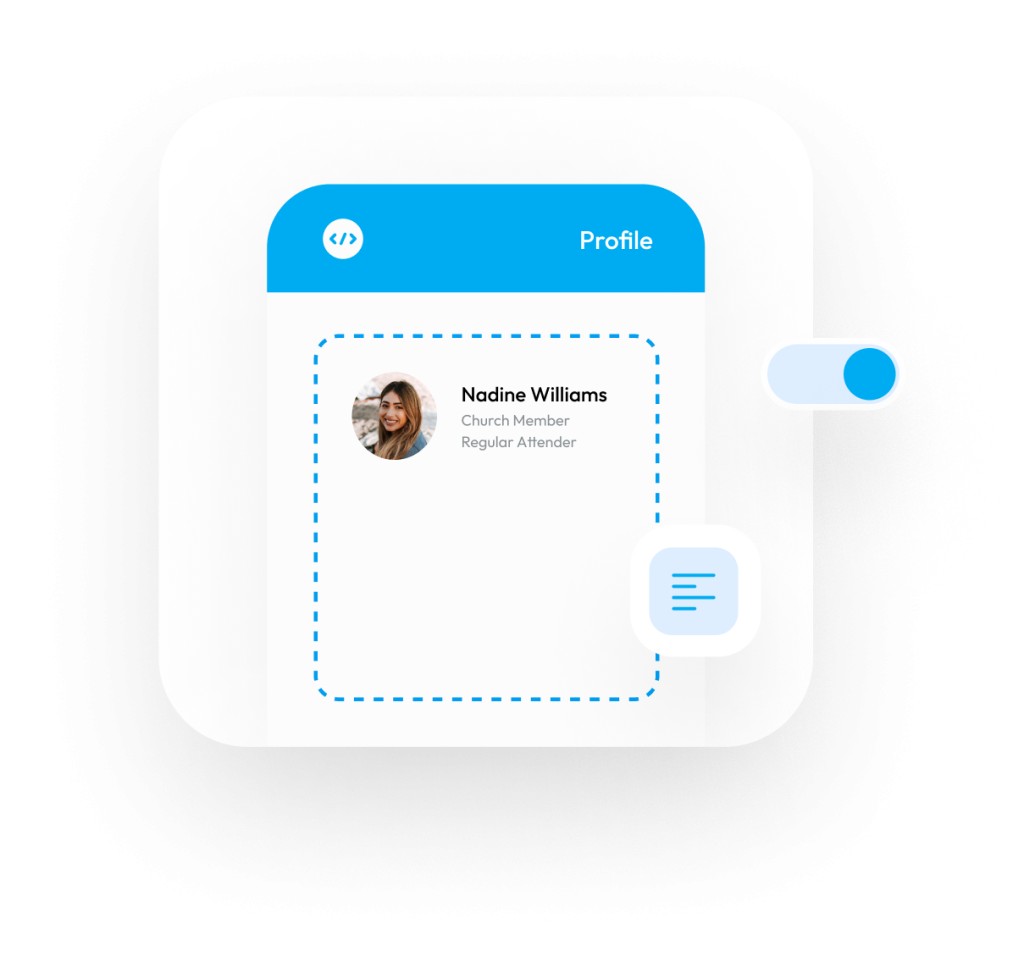
Walking into a new group feels different when someone knows your name.
TouchPoint supports a personal handoff: add a guest as a group prospect and assign the leader a follow-up task. Guests can also explore groups in your church’s app, while leaders track attendance as introductions become ongoing relationships.
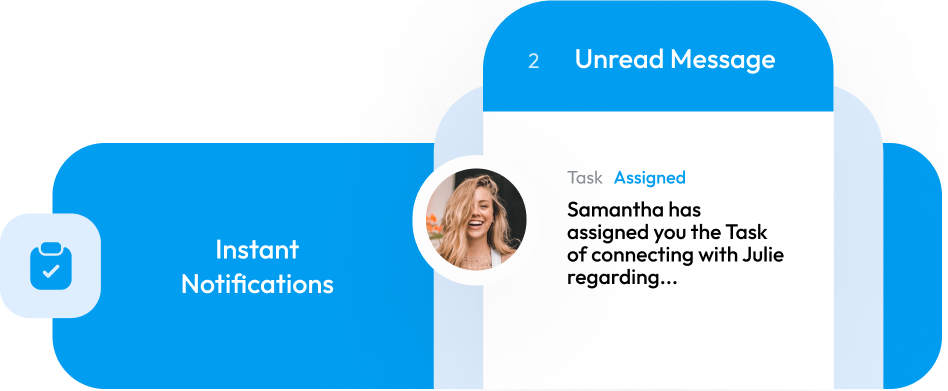
A return visit is encouraging. Joining a group or beginning to serve adds more to the story.
Engagement Insights brings attendance, serving, event participation, and email activity into a shared view. Your church chooses which activities count and how they’re weighted, with weekly updates and quarterly history to help leaders recognize meaningful changes.
When a family arrives for the first time, your team’s attention belongs with them.
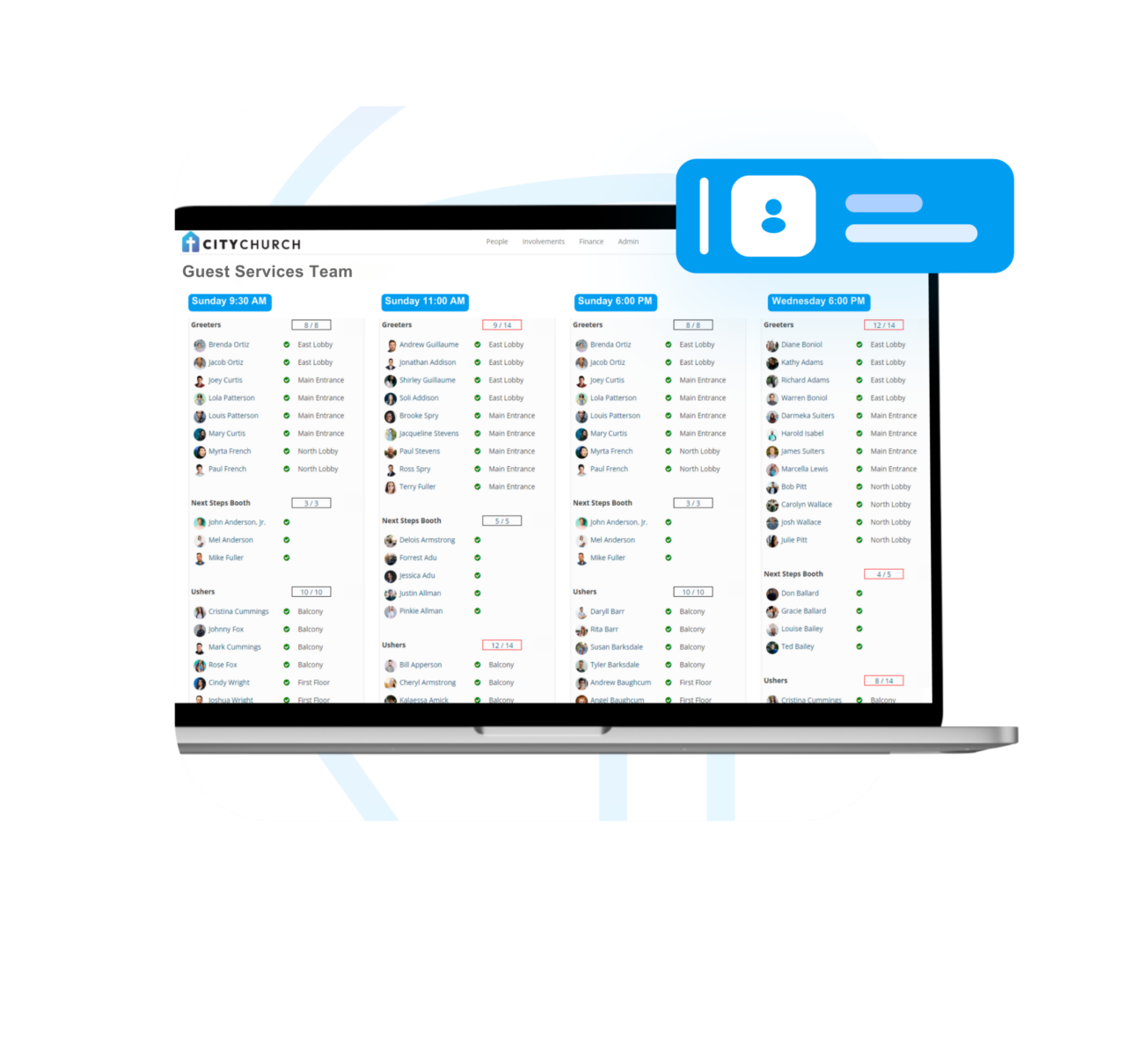
TouchPoint Scheduler brings recurring teams, service assignments, and open positions into one view. Volunteers can share availability, sign up, and request substitutes, while coordinators keep oversight of the schedule.
See how TouchPoint connects guest follow-up with the life of your church. Explore configurable workflows, personal outreach, and ministry handoffs that help your team follow through with care.
Bring your questions and your current process. Let’s explore how TouchPoint can support the way your church welcomes people.
TouchPoint connects the steps from a first visit to ongoing ministry involvement. Your team can identify new guests, assign personal follow-up, record conversations, and connect interested people with group leaders. Those interactions stay connected to the person’s record, helping each ministry build on the relationship already started.
Yes. Process Builder lets you create stages and actions around your church’s approach to welcoming people. Configure automated tasks and email messages, define who manages the process, and track progress. You can create different processes for different ministry needs, with TouchPoint consultants available to help with configuration.
Tasks & Notes gives outreach a responsible person and a record of the conversation. Leaders can review completed and incomplete tasks, while automatic notifications keep assignees informed when tasks are created or their status changes. That gives your team a practical way to find unfinished follow-up and act on it.
Yes. First-, second-, and third-time attender reports identify guests based on recorded attendance. When someone is ready to explore a group, your team can assign a follow-up task to its leader and add the guest as a prospect. This guest follow-up process gives the next invitation a person responsible for making it.
Yes. Staff and lay leaders can use TouchPoint’s mobile app to accept tasks, record notes, and complete follow-up. Your church can restrict sensitive Tasks & Notes by role, so the appropriate people have access. Custom questions also help volunteers capture the details your ministry needs from each conversation.
Yes. Engagement Insights draws on recorded activity across attendance, serving, events, and email engagement. Your church chooses the activities and weights used in its engagement scores. Weekly updates and quarterly trends help your team recognize growing participation and changes that may deserve a personal conversation.
Yes. TouchPoint Scheduler supports recurring teams, service assignments, volunteer availability, sign-ups, substitute requests, and reminders. Coordinators can see commitments and open positions together. With attendance configured, your team can also track who actually served. Scheduler is included in TouchPoint’s ChMS without a separate scheduling add-on fee.