






















AI-Assisted Ministry, Securely Built In
AI should give your team more time with people, not more risk with their information. We’re building AI into TouchPoint the way ministry deserves: useful in everyday work, accountable at every step, and always under your church’s control.
How It Works
From Question to Answer,
Without Leaving Your Workflow
Built so your team spends less time managing software and more time leading ministry.

1
Connect your assistant.
Personal Access Token. Nothing turns on by accident.

2
Ask in plain language.
Use Claude, ChatGPT, or another AI assistant.

3
Permissions enforced.
Nothing bypasses the rules you’ve already set.

4
Get your answer, task, or report.
Everything securely logged and documented.
Same permissions. Same data. Faster answers.
We didn’t slap an AI sparkle onto our system.
We built the infrastructure to make AI safe for ministry.
TouchPoint’s MCP server securely connects approved AI assistants to live church data through 70+ tools covering people, involvements, attendance, events, giving, and more. Authorized staff can ask questions, run workflows, and take approved actions in plain language, with existing permissions enforced. Beyond permissions, Personally Identifiable Information (PII) is redacted by default from AI responses for individual users based on their role.
Turn Paper Connect Cards Into People Records
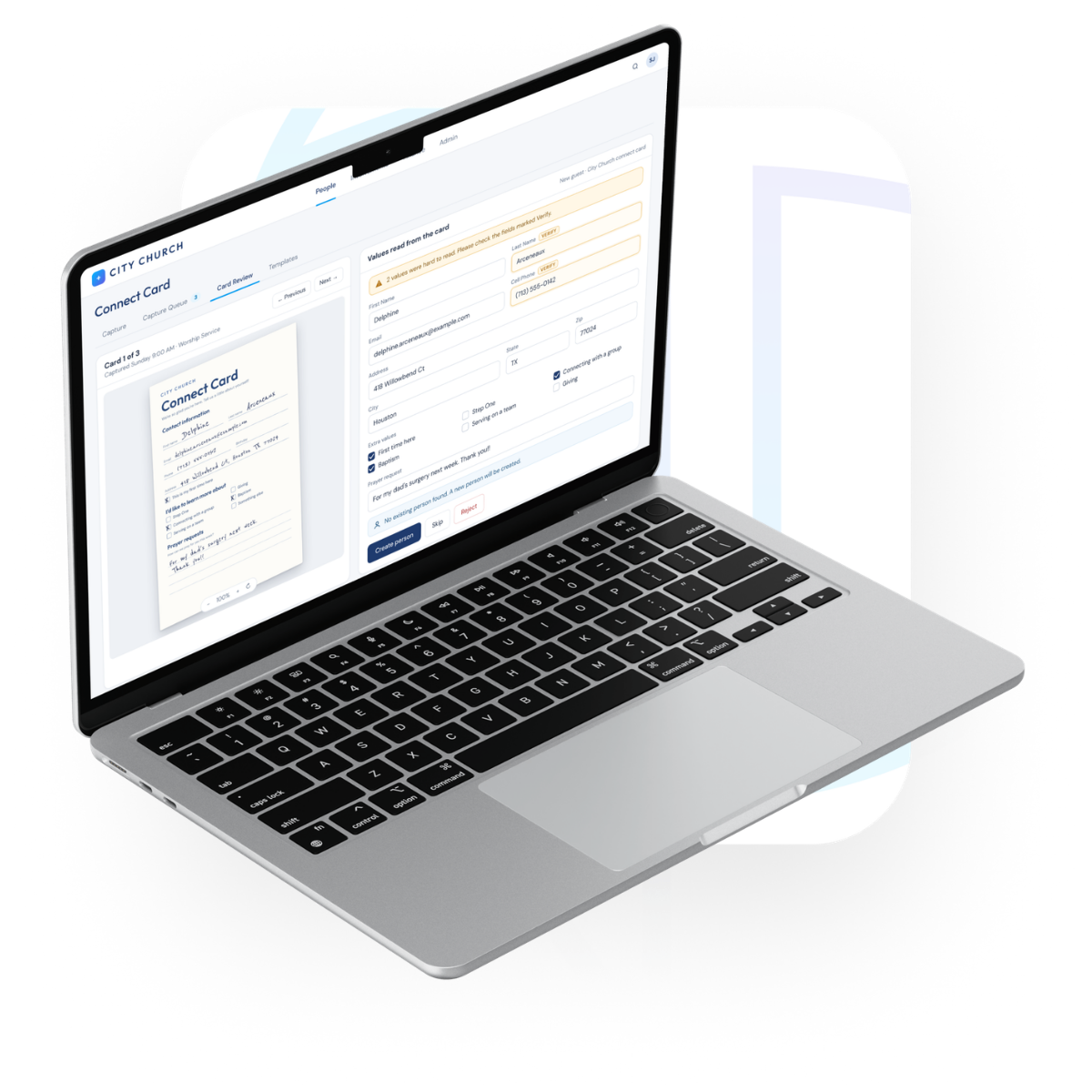
A connect card is often the first time a guest tells your church who they are. With Connect Card Capture, your team uploads photos or scans of your cards, and TouchPoint reads each one for you. A staff member reviews what TouchPoint found, then adds a new person or updates an existing one, so follow-up can start while the moment still matters.
- Less typing, so your team can spend more time on follow-up
- Hard-to-read handwriting is flagged for your team to check
- Possible duplicates are caught before anything is imported
- Works right inside TouchPoint, with no outside AI assistant to connect
Nothing changes in your database until your team reviews and imports the card.
The Read on Your Church’s Health, Without Waiting on a Report
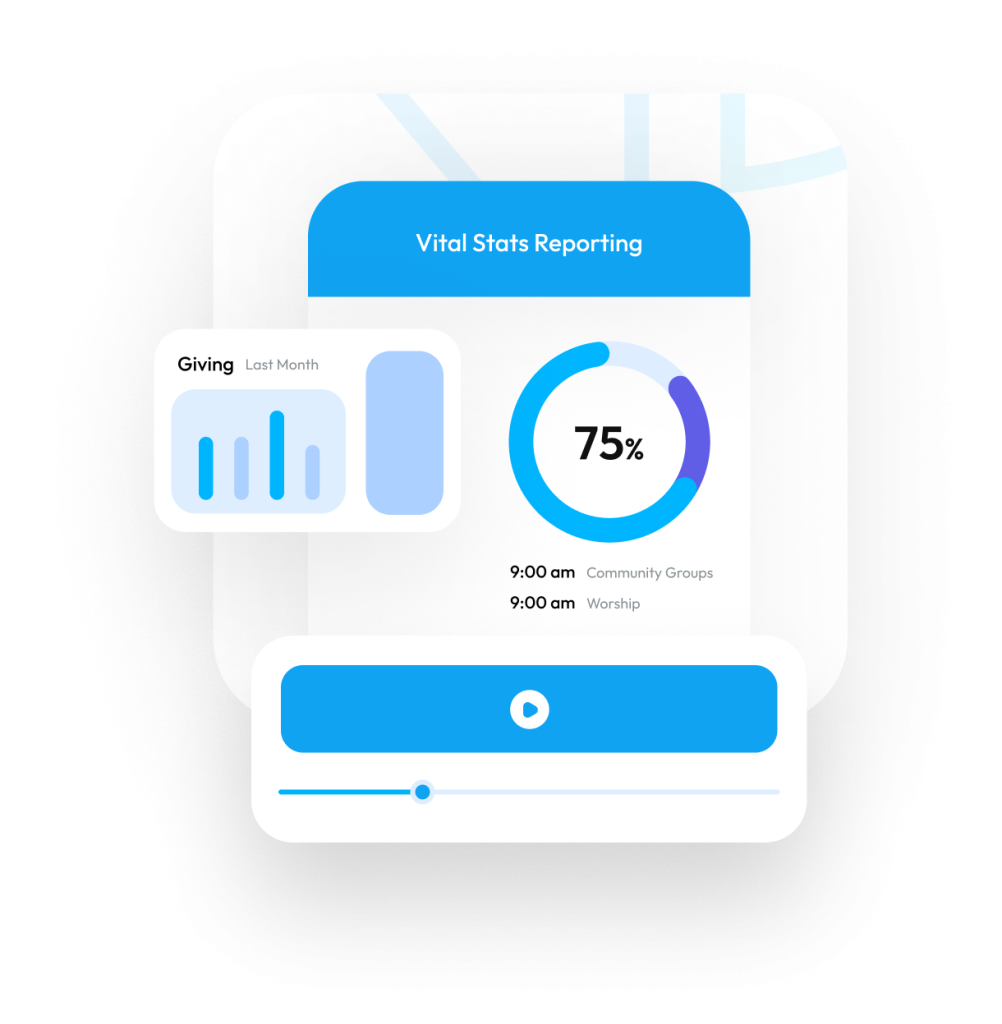
Ask your AI assistant directly, in plain language, and get answers pulled from your live data, not last month’s export.
- “How is attendance trending across all campuses this quarter?”
- Spot serve teams losing momentum before it’s a problem.
- Compare giving against last year, finance-gated to who you’ve authorized.
- Cross-campus comparisons on demand, no stitching reports by hand.
Every answer respects the permissions you’ve already set.
Help Every Person Take Their Next Step
Ask your AI assistant who’s ready for a next step, then act on it without leaving the conversation.
- “Who started our membership class this fall but hasn’t finished step two?”
- Enroll a first-time guest in your follow-up process right from the conversation.
- Mark steps complete as people take them, so your pathway stays current.
- Create follow-up Tasks for the leaders who know them best.
Your processes, your steps, your people. Changes happen only when your church turns on write actions.
Membership Pathway
Fall classWhere people are
9 people haven’t reached step two yet.
Write actions turned on by your church admin.
The Query You Need, Without the Tax of Building It
Ask your AI assistant in plain English, get the list, the report, or the saved search, without writing it from scratch.
- “Find everyone who attended Easter but isn’t in a group.”
- Draft the SQL or Python for a report you’d normally build by hand.
- Turn a one-off request into a Search Builder query the whole staff can reuse.
- Offload the routine pulls, so your time goes to schema, performance, and the problems only you can solve.
You stay in control of what runs. Nothing executes without your say.
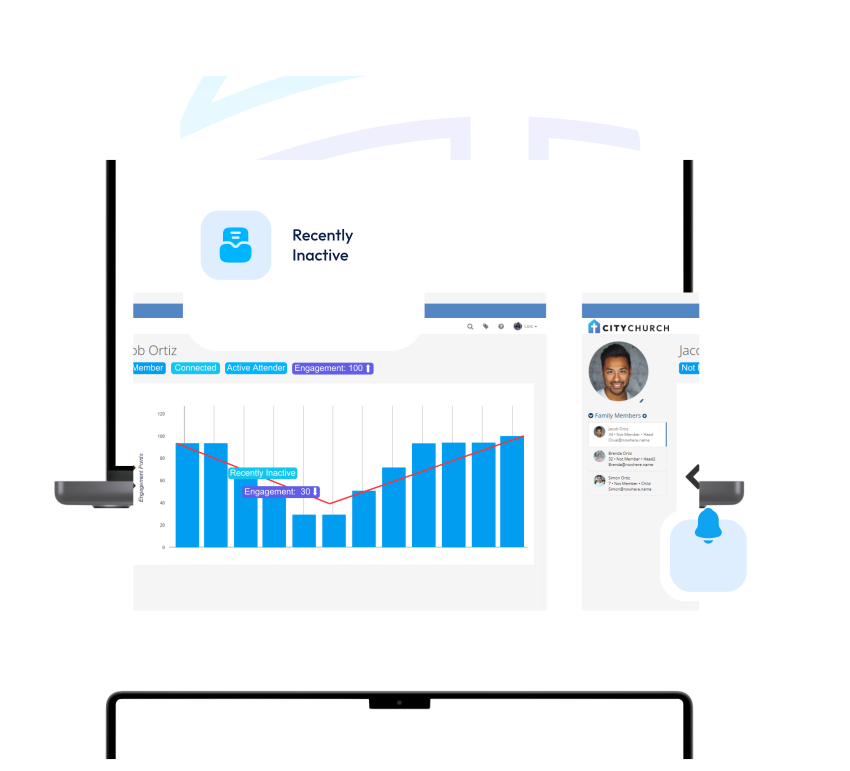
The Follow-Up That Used to Slip Through, Now Handled
Ask your AI assistant in plain language, get the list, the draft, or the log entry, without digging through three screens to find it.
- “Who visited for the first time last month and hasn’t heard from us since?”
- Draft a welcome sequence or follow-up message, for you to review and send.
- Log a call, text, or email the moment it happens, no separate system to update.
- Segment your list for a campaign in seconds, not a spreadsheet export.
Contact info is protected, not just gated, for any role that isn’t authorized to see it.
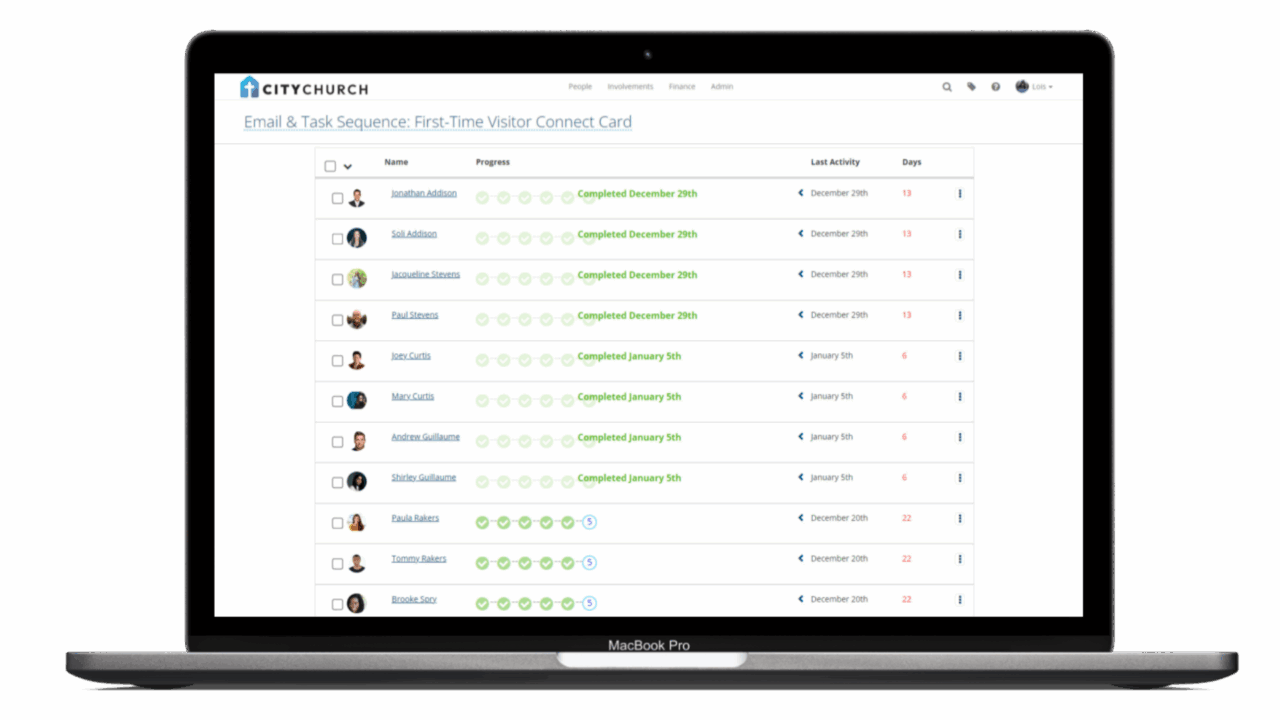
Build on an Open Standard, Not a Black Box
MCP is an open protocol, not a proprietary chatbot. Your team can connect any compatible AI assistant directly to TouchPoint and build on it.
- Create or modify Python, SQL, and HTML files through approved Special Content tools, without a side channel outside TouchPoint.
- Support administrative workflows with dedicated User Management tools built for how your team actually operates.
- Every connection requires a Personal Access Token and the dedicated McpAccess role. Access is explicit, not assumed.
- Every tool call writes to the audit log. Full visibility into what ran, when, and under whose authorization.
MCP extends TouchPoint’s existing permissions. It never bypasses them.
Ready to See What AI Can Do Inside Your Church’s Data?
Book a demo and we’ll walk you through exactly how TouchPoint’s MCP server works, what your team can ask, what stays protected, and what becomes possible.
TouchPoint ChMS + AI FAQs
The TouchPoint MCP server is a native, vendor-built integration that lets approved AI assistants connect directly to your church’s live TouchPoint data. It exposes 73 tools across people records, involvements, attendance, events, giving, reporting, and more, allowing authorized staff to ask questions, run workflows, and take approved actions in plain language.
Most church platforms bolt an AI chatbot onto their existing dashboard with hardcoded, pre-approved actions. TouchPoint built a native MCP server on an open standard, meaning the AI assistants your team already uses can connect directly, with full read and write access governed by the same permissions already set inside TouchPoint.
“Allow Write Actions” are off by default, but can be granted.
No. MCP extends your existing permissions; it never bypasses them. If a user cannot access certain information in TouchPoint, they will not access it through MCP. Finance data remains finance-gated. Contact information and PII remain redacted by default unless explicit roles allow otherwise.
TouchPoint never uses your church’s data to train AI models. When your assistant uses the MCP Server, the information it requests is sent to that AI provider and handled under their terms. Some providers train on submitted data unless you opt out, so we recommend reviewing each assistant’s data settings (or using a plan with training turned off) before connecting. Admins acknowledge this when they first enable the server.
No. MCP requires a deliberate per-church opt-in toggle. It is not on by default. Each church enables it intentionally, and each user must be granted the dedicated McpAccess role and a Personal Access Token before any connection is possible.
TouchPoint’s MCP server currently supports Claude, ChatGPT, and Cursor, with compatibility extending to any AI assistant that supports the open MCP standard. Churches should review each platform’s security and privacy settings before connecting.
Yes, but only through approved safe-write tools and only when the authenticated user already has the correct permissions. Supported write actions include creating tasks, logging communication activity, updating people records, and managing involvement membership. No action executes outside the user’s existing permission scope.
Every tool call made through the TouchPoint MCP server is written to the audit log, giving administrators full visibility into what was asked, what ran, and under whose authorization.
No. TouchPoint redacts personal and contact information by default, before it ever reaches the AI, and reveals it only to roles you choose.
PII stands for Personally Identifiable Information. PII is any information that can be used to identify, contact, or locate an individual person. TouchPoint provides the ability to redact personal information from returning to the AI. This is done on a user-by-user basis via roles.